
Postcard Design: Sizes, USPS Rules and Layout Tips
What makes a good postcard design
A good marketing postcard gets its point across in the few seconds between the mailbox and the recycling bin. The front carries one bold image and a headline. The back gives the details, a clear offer and one way to respond. The card also has to meet USPS size and layout rules, so it mails at the price you planned and reaches the right address.
This guide covers how to plan a postcard, lay out the front and back, choose a size that fits your mailing method and set up a print-ready file. Pros Inc designs direct mail postcards for small businesses from our office in San Diego, and this is the checklist we use. Postal rules come from the USPS Domestic Mail Manual and Every Door Direct Mail guides, checked as of October 2026. Postal standards and prices change, so confirm the details with your printer, mail house or Post Office before you print.
Plan the postcard first
Pick one goal and one audience
Decide what you want the recipient to do: call for an estimate, visit a new location, use a discount code or book online. A postcard has room for one message. If you want to promote several things, send a series of cards, each with one offer.
Decide how you will mail it
Your mailing method sets the size limits, so choose it before you design:
- Stamped postcards sent to your own customer list, at the First-Class Mail postcard price
- Larger cards sent to a mailing list as letter-size or flat-size mail
- Every Door Direct Mail (EDDM), which delivers to every address on the carrier routes you pick, without a mailing list
Postcard sizes and USPS rules
Postcard-price cards
The USPS Domestic Mail Manual, section 201, says a card claimed at a card price must be rectangular, at least 3.5 inches high, 5 inches long and 0.007 inch thick, and no more than 4.25 inches high, 6 inches long and 0.016 inch thick. A 4 by 6 inch card fits those limits. Anything larger is mailed at letter or flat prices.
Letter-size cards
The same section lists machinable letter-size pieces at up to 6.125 inches high, 11.5 inches long and 0.25 inch thick, with an aspect ratio (length divided by height) between 1.3 and 2.5. That gives you more room than a standard postcard while staying in the letter category.
EDDM cards
EDDM Retail is limited to flat-size pieces. The USPS EDDM quick reference guide defines a flat as a piece that is more than 10.5 inches long, or more than 6.125 inches high, or more than 0.25 inch thick, up to 15 by 12 by 0.75 inches. The EDDM user guide says each piece must be at least 0.007 inch thick and no more than 3.3 ounces, and that Retail mailings can include up to 5,000 pieces per ZIP Code per day. A card that is 6.25 inches high or taller qualifies on height alone. Check any size with the Mailpiece Size Checker in the EDDM tool before you print.
Design the front
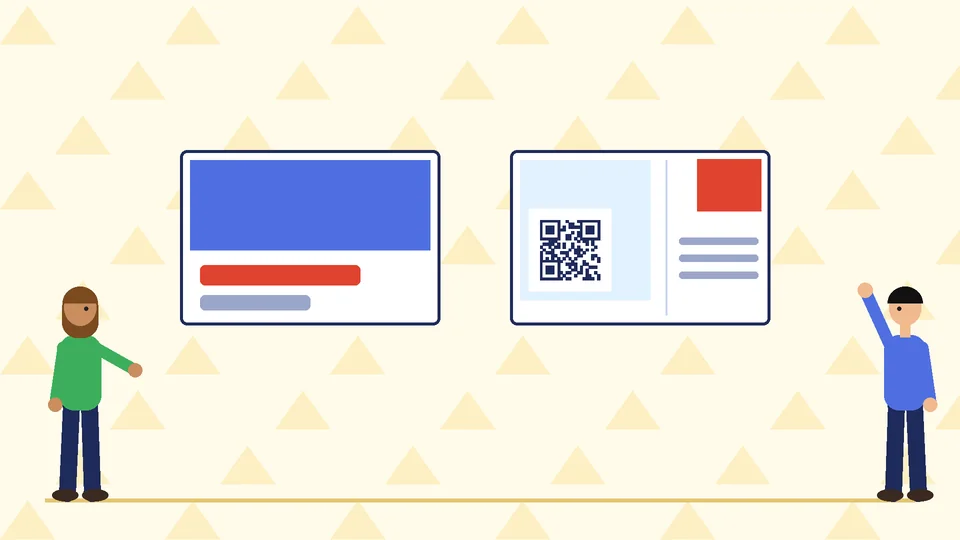
- One image. Use a strong photo or illustration that shows the result you deliver, such as a finished kitchen, a happy customer or the product itself.
- One headline. Name the benefit or the offer in a few words that can be read from arm’s length.
- Your brand. Put your logo and colors on the front so the card is recognized even if it is not turned over.
- Plenty of contrast. Text over a busy photo is hard to read. Put headlines on a solid block of color or a calm part of the image.
Design the back
The back does two jobs. Part of it is your message, and part of it belongs to the Post Office.
Your message side
- Supporting details: two or three short points that back up the headline
- The offer: a discount, free consultation or deadline, written plainly with any conditions
- One call to action: a phone number, short web address or QR code that goes to a page about the offer. A dedicated landing page makes the response easier to track.
- Contact details: business name, address and website
The address side
Keep the address area clean and readable. DMM section 202 describes a barcode clear zone in the lower right corner of the address side of cards and letter-size pieces: 4.75 inches from the right edge and 0.625 inch up from the bottom. Keep artwork and text out of that area. Leave room for the postage or permit imprint in the upper right corner, and for EDDM, the required Retail indicia. Your printer or mail house can supply a template with these areas marked.
Prepare the mailing
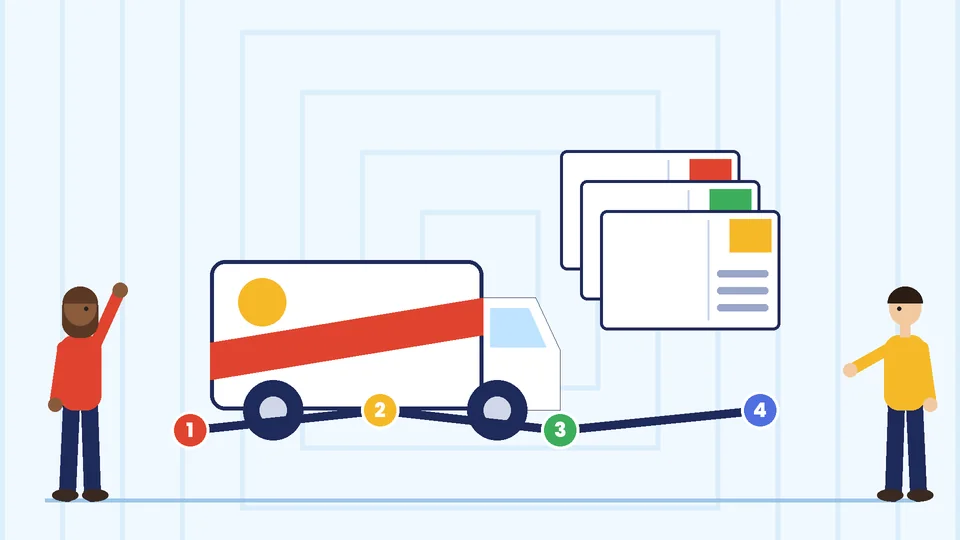
For EDDM Retail, the EDDM user guide explains that you choose routes online, print one facing slip for each route, bundle the cards and drop them off at the Post Office that serves those routes. The quick reference guide says to bundle cards in groups of 50 to 100. For list-based mailings, a mail house can clean your list, apply postage and presort the cards.
Set up a print-ready postcard file
- Bleed: add 0.125 inch on every side if color runs to the edge, and keep text at least 0.125 inch inside the trim. Your printer’s template will show both lines.
- Resolution and color: Vistaprint’s prepress checklist recommends 300 DPI images at the final size, CMYK color and proper bleed, with a high-resolution PDF as the usual final file.
- Stock: use cardstock thick enough to meet the minimum thickness for your mail class. Ask your printer which stocks they recommend for mailing.
- Proof: print a copy at full size, check every phone number and web address, and scan the QR code before you approve the order.
Our commercial printing guidelines cover more about working with a print shop.
Common postcard mistakes
- Too many messages. One offer per card is easier to read and easier to measure.
- A size that does not match the mailing method. A 6 by 9 inch card is too small for EDDM Retail and too large for the postcard price.
- Art in the barcode clear zone. It can cause sorting problems.
- No deadline. A clear end date gives people a reason to act now.
- No way to measure response. Use a unique code, phone number or landing page for each mailing.
Postcards as part of your marketing
Postcards work best alongside the rest of your marketing. Match them to your flyer design and email newsletter design, and keep your brand consistent with a brand style guide.
Frequently asked questions
What size is a standard postcard?
What size postcard do I need for EDDM?
What should go on the front of a postcard?
What should go on the back of a postcard?
Where is the barcode clear zone on a postcard?
Should I put a QR code on a postcard?
Get help with your postcard
A postcard that is clear, on brand and built to USPS rules gets read and mails without surprises. If you need a direct mail postcard designed, contact Pros Inc at 715 J St #200, San Diego, CA 92101, or call (858) 652-8920.