
Flyer Design: Layout Tips, Sizes and Print Setup
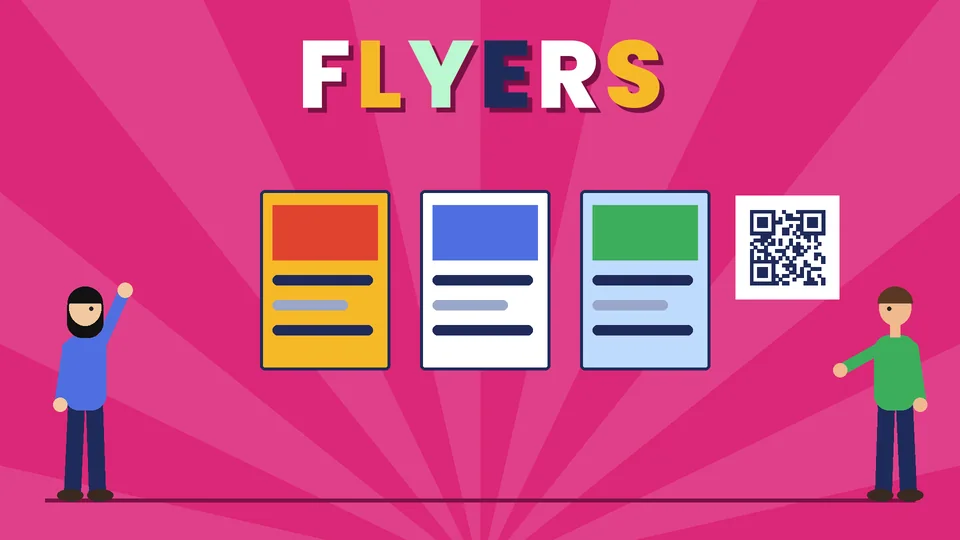
What makes a good flyer design
A good flyer gets one message across in the few seconds someone gives it. It has a headline people can read from a distance, one clear offer or event, the details needed to act, and a simple next step such as a phone number, web address or QR code. It also has to survive the printer, which means correct size, bleed, a safe area, 300 DPI images and CMYK color.
This guide covers how to plan the message, lay out a flyer people will read, set up the file for print, and check it before you order. Pros Inc designs flyers, posters and other printed marketing for small businesses from our office in San Diego, and this is the checklist we work from. Print specifications come from Vistaprint guides, checked as of October 2026. Every printer has its own template, so always use the one for the product you are ordering.
Plan the message before you design
Most weak flyers are not a design problem. They try to say too much. Before you open a design tool, write down answers to four questions:
- Who is it for? A flyer for a neighborhood open house is not the same as one handed out at a trade show.
- What is the one thing you want them to know? An event, an offer, a new location or a service.
- What should they do next? Call, visit, book, scan or bring the flyer in.
- Where will it be seen? Pinned to a board, handed out, mailed, left on a counter or shared as a PDF.
If you cannot write the main message in one short sentence, the flyer will struggle to communicate it.
What to put on a flyer
- A headline that states the benefit or the event in a few words
- A supporting line that adds the one detail people need, such as a date or a price
- An image or illustration that shows what you are promoting
- The key details: date, time, place, price or terms, only as many as needed
- A call to action: what to do and how, such as “Call to book” with the number
- Your logo and contact details, the same as on your website and signs
If an offer has terms or an expiry date, print them clearly. A flyer is still advertising, so every claim on it should be accurate.
Lay out the flyer so people read it
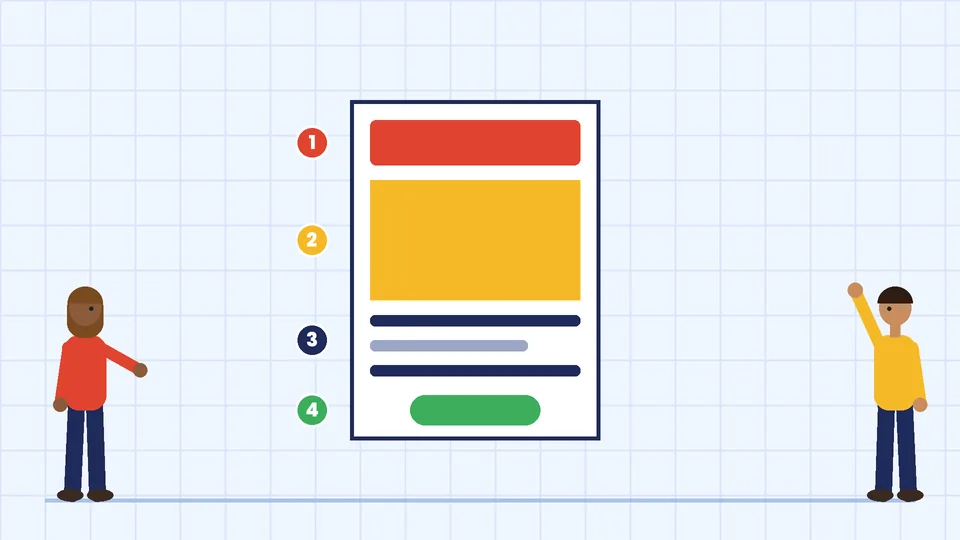
Build a clear hierarchy
Decide what the eye should see first, second and third. Usually that is the headline, then the image, then the details and the call to action. Make the headline the largest text on the page by a wide margin, and separate the other levels with size, weight and color rather than more fonts.
Use a simple grid
Divide the page into a few columns or rows and line elements up to them. A grid keeps a busy flyer organized and makes it easier to create matching versions later, such as a half-page or a social post.
Keep type readable
Use one or two typefaces that match your brand. Avoid very thin weights, light text on busy photos and long lines in all capitals. Check how the flyer reads from a few steps back if it will be pinned up, because that is how most people will see it.
Use contrast and color with purpose
Strong contrast between text and background makes a flyer readable in poor light. The Web Content Accessibility Guidelines set a contrast ratio of at least 4.5:1 for normal text and 3:1 for large text on screens. That rule is written for web content, but it is a useful check for a flyer you will also share as a PDF or image. Use your brand colors, plus one accent color for the call to action.
Leave space
White space is what makes the headline stand out. If the layout feels crowded, cut words before you shrink the type.
Flyer sizes and print setup
Common US flyer sizes are 8.5 by 11 inches (letter), 5.5 by 8.5 inches (half letter) and 11 by 17 inches (tabloid, often used for posters). Ask your printer which sizes they offer before you start.
Bleed and safe area
Printed pieces are cut from larger sheets, and the cut can shift slightly. Vistaprint’s bleed guidance says an extra 0.125 inch is typically added on each side, so an 8.5 by 11 inch piece with bleed is set up at 8.75 by 11.25 inches before trimming. Text and other important elements should stay at least 0.125 inch inside the trim edge, which gives a safe area of 8.25 by 10.75 inches on a letter-size flyer.
- Extend background colors and images all the way to the bleed edge.
- Keep text, logos, phone numbers and QR codes inside the safe area.
- Do not leave thin borders close to the trim edge, because small cutting shifts make them look uneven.
Resolution, color and file format
Vistaprint’s prepress checklist says most standard print projects need images at 300 DPI at the final printed size, CMYK color and proper bleed, and that a high-resolution PDF is usually the best final file. Use vector artwork for your logo and icons so they stay sharp. Do not enlarge a small web photo to fill the page; it will print soft or pixelated.
Adding a QR code
If you add a QR code, point it at a page that matches the flyer, such as a booking page or a landing page designed for the offer. DENSO WAVE, the company that created the QR code, says a code needs a clear margin at least four modules wide on every side. Print a test copy and scan it with more than one phone before ordering a full run.
Check the flyer before you print
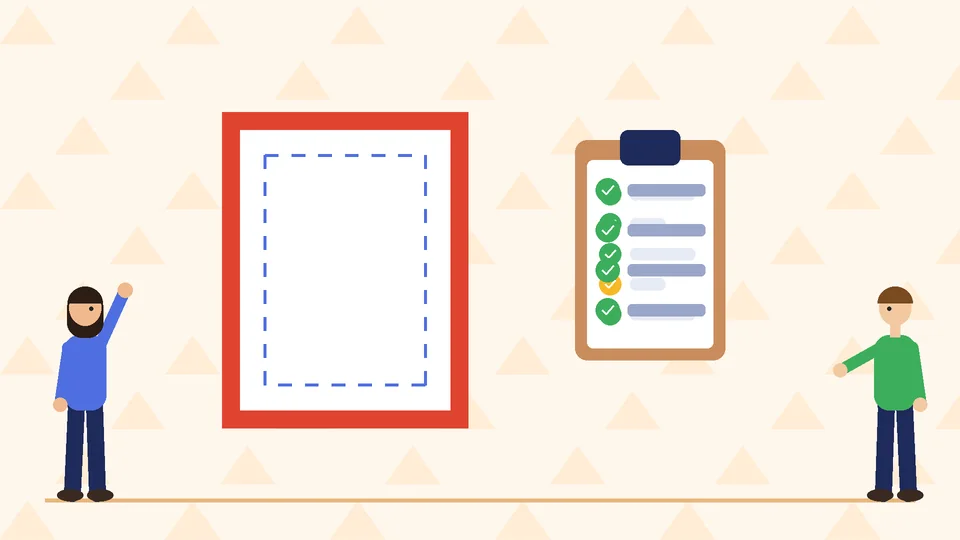
- Read every word out loud, then have someone else read it.
- Check dates, times, prices, phone numbers and web addresses against the source.
- Confirm the document size includes bleed and the text sits inside the safe area.
- Make sure images are 300 DPI at printed size and the file is CMYK.
- Scan the QR code from a printed proof.
- Export a print-quality PDF with bleed included and open it to check it.
- Order a single proof if the run is large or the colors matter.
For more on paper, finishes and how to work with a print shop, see our commercial printing guidelines.
Flyers as part of your brand
A flyer is often a short-lived piece, but it still represents your business. Use the same logo versions, colors and fonts you use on your business cards and signs, so people connect them. A brand style guide makes that easy, especially when different people make flyers for different events.
Frequently asked questions
What is the standard flyer size?
What should be on a flyer?
What resolution should a flyer be for printing?
Should a flyer be CMYK or RGB?
How much text should a flyer have?
How do I make a flyer stand out?
Get help with your flyers
A clear flyer can fill an event or bring in new customers for very little cost. If you need flyers or other printed marketing designed to match your brand, contact Pros Inc at 715 J St #200, San Diego, CA 92101, or call (858) 652-8920.