
Brochure Design: Folds, Layout and Print Setup
What makes a good brochure design
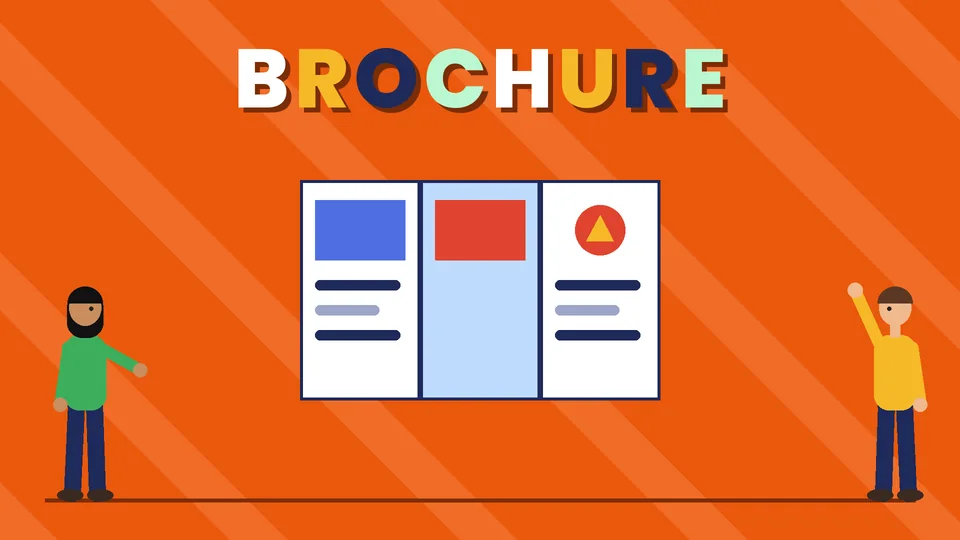
A good brochure answers one question for one kind of reader, then tells them what to do next. The cover gives a reason to open it, each panel covers one point, the layout follows the folds, and the file is set up so the printer can trim and fold it without cutting off text. Most small business brochures are a letter-size tri-fold. That format is cheap to print, fits a rack or an envelope, and gives you six panels to work with.
This guide covers how to plan a brochure, choose a fold, lay out the panels, set up a print-ready file and avoid the mistakes we see most often. Pros Inc designs brochures and other print pieces for small businesses from our office in San Diego, and this is the process we follow. Fold and file specifications come from printer templates and guides, checked as of October 2026. Always use the template from the printer you order from, because panel sizes vary slightly.
Plan the brochure before you design it
Decide what the brochure is for
Write one sentence that says who the brochure is for and what you want them to do after reading it. Examples: “Homeowners in our service area call for a free estimate,” or “Visitors at our booth book a demo.” Every panel should support that sentence. If you need to explain two services to two different audiences, two brochures usually work better than one crowded one.
Write the copy first
Draft the text before you open a layout file. A tri-fold has six panels, and each one holds roughly one heading, a short paragraph or list and perhaps an image. Write to that space:
- Cover: your business name, a clear headline that names the benefit, and one strong image
- Inside panels: the problem you solve, how you solve it, proof such as a short testimonial or results you can back up, and what working with you looks like
- Back panels: contact details, a map or address, and the call to action
Cut anything a reader can find on your website. A brochure works best as a short pitch that sends people to the next step.
Choose a brochure fold
Tri-fold
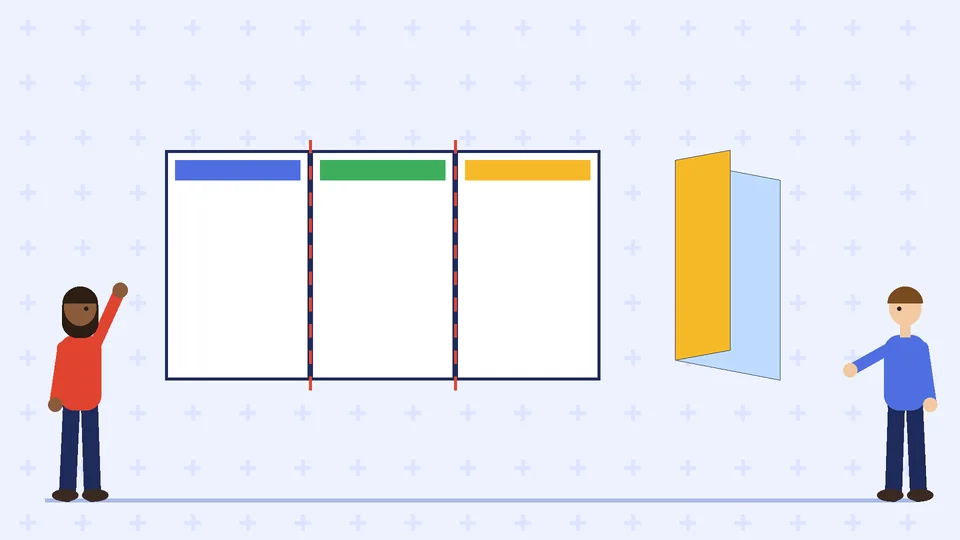
A letter-size sheet folded into three panels on each side. It suits most service businesses, fits a standard rack and can be mailed in a #10 envelope. It is the format most printers stock templates for.
Bi-fold
A sheet folded once into four panels. It gives you larger panels for photos or a menu of services, and it reads like a small booklet. Bi-folds are often printed on 11 by 17 inch sheets and folded to 8.5 by 11.
Z-fold
Three panels folded back and forth like an accordion, so the brochure opens into one long spread. It works well for timelines, step-by-step processes or a map.
Gate fold
The two outer panels fold in to meet in the middle over a wider center panel. It makes a strong reveal for a product launch, but it costs more to fold and gives you less room for text.
Lay out the panels in the right order
The biggest tri-fold mistake is putting content on the wrong panel. When you lay the flat sheet out in your design software, the panels do not appear in reading order:
- Outside of the sheet, left to right: the inside flap, the back panel, then the front cover
- Inside of the sheet, left to right: the three panels a reader sees when the brochure is fully open
Print a test copy at home, fold it, and number each panel before you finish the design.
Panel widths are not all equal
On a tri-fold, one panel is slightly narrower so it can fold inside without buckling. Hopkins Printing’s folding templates list the panel widths for an 8.5 by 11 inch tri-fold as 3.625 inches for the short fold-in panel and 3.6875 inches for each of the other two. On 8.5 by 14 the panels are 4.625 and 4.6875 inches, and on 11 by 17 they are 5.625 and 5.6875 inches. If you divide the sheet into three equal panels, text near the folds will shift.
Design tips for the panels
- One idea per panel. Use a clear heading on each one, so a reader who only skims still gets the message.
- Keep type readable. Use a simple body font at a comfortable size and check it on a printed proof, not only on screen.
- Use contrast. Light gray text on a white panel or white text on a busy photo is hard to read. WCAG 2.2 sets a contrast ratio of at least 4.5:1 for normal text, which is a useful benchmark for print too.
- Keep text away from the folds. Folding can crack ink and hide words in the crease.
- Use your brand colors and fonts. A brand style guide keeps the brochure consistent with your website and other print.
Set up a print-ready brochure file
Bleed and safe area
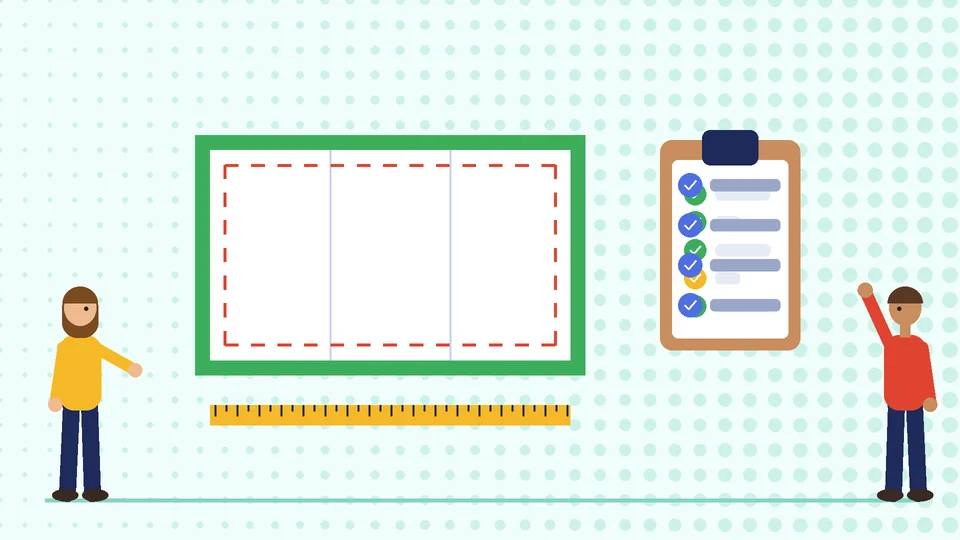
If any color or image runs to the edge of the sheet, the file needs bleed. Zeeland Print’s 8.5 by 11 tri-fold template uses 0.125 inch of bleed on every side, so the document is 8.75 by 11.25 inches before trimming. It also keeps text and logos at least 0.125 inch inside the trim edge and away from the fold lines.
Resolution, color and file format
Vistaprint’s prepress checklist says most standard print projects need images at 300 DPI at the final printed size, CMYK color and proper bleed, and that a high-resolution PDF is usually the best final file. Use the vector version of your logo. Our guide to logo file formats explains which file to use where.
Paper and finish
Heavier paper feels more substantial but needs to be scored before folding, or the fold may crack. Ask your printer whether scoring is included. Uncoated paper is easier to write on, while gloss or silk coatings make photos look sharper. Our commercial printing guidelines cover paper choices and working with a print shop.
Common brochure design mistakes
- Too much text. If every panel is a wall of words, readers put the brochure down. Cut copy until each panel makes one point.
- A weak cover. A logo alone does not give anyone a reason to open the brochure. Add a headline that names a benefit.
- No clear next step. Tell readers exactly what to do: call, visit, scan a QR code or book online.
- Panels in the wrong order. Always fold a test print before you send the file.
- Unverified claims. Only use statistics, awards and testimonials you can back up.
- Out-of-date details. Check phone numbers, addresses and web links on the final proof.
Brochures as part of your print set
A brochure often goes out alongside business cards, flyers and trade show materials. Design them together so the logo placement, colors and type match. Our guides to flyer design, business card design and trade show booth design cover the other pieces.
Frequently asked questions
What is the standard brochure size?
How many panels does a tri-fold brochure have?
Why is one panel of a tri-fold narrower?
How much bleed does a brochure need?
What file should I send the printer?
Should a brochure include prices?
Get help with your brochure
A brochure that is clear, well folded and printed right makes your business look established before anyone calls. If you need a brochure designed to match your brand, contact Pros Inc at 715 J St #200, San Diego, CA 92101, or call (858) 652-8920.