
Logo File Formats: Which Logo Files You Need and When to Use Them
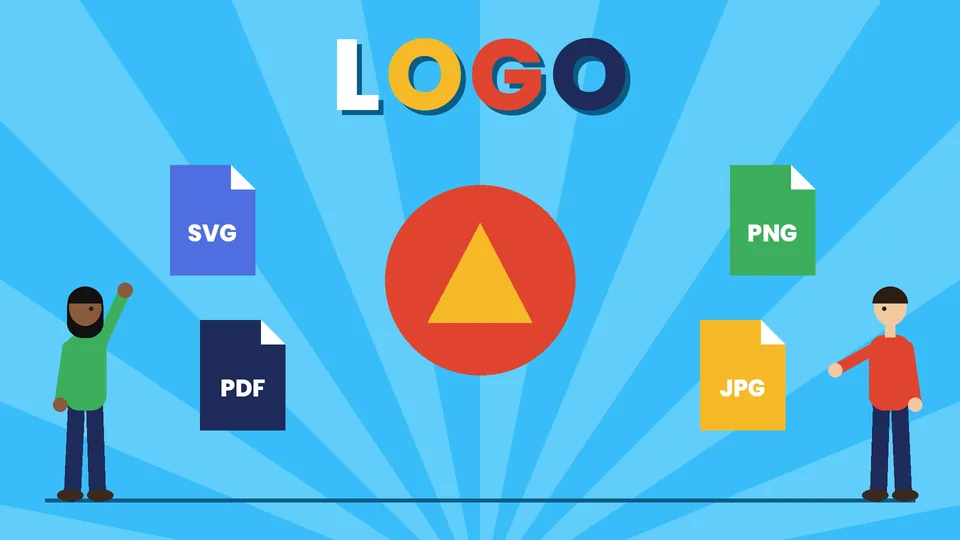
Which logo file formats you need
Most businesses need their logo in two kinds of files: vector files for anything that has to scale, such as printing, signs and vehicle graphics, and raster files for everyday digital use, such as websites, email and social media. In practice that means a vector master (usually AI, EPS, SVG or PDF) plus ready-to-use PNG and JPG exports, and a small square icon for browser tabs. Each version should come in full color, one color, black and white or reversed, so the logo works on any background.
This guide explains vector and raster files, what each common format is for, the logo versions and color files to ask for, and how to organize a logo file kit your team and suppliers can use without guessing. Pros Inc designs logos and brand identities for small businesses from our office in San Diego, and this is the file kit we hand over at the end of a logo project. Technical facts come from MDN Web Docs, the W3C and Google Search Central, checked as of October 2026, with sources at the end.
Vector vs raster: the difference that matters
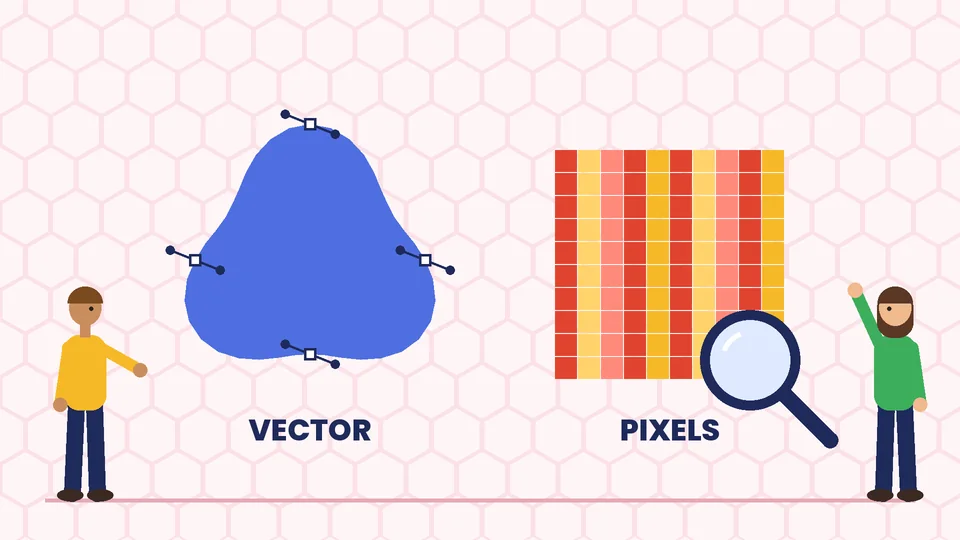
Vector files
A vector file describes the logo as shapes, lines and curves defined mathematically. Because the shapes are recalculated at whatever size you need, a vector logo stays sharp on a business card or a building sign. MDN Web Docs describes SVG as an XML-based vector format that is ideal for diagrams, icons and other images that can be accurately drawn at any size.
Vector files are the master copies of your logo. Printers, sign makers, embroiderers and promotional product suppliers will usually ask for them.
Raster files
A raster file is a grid of pixels. It looks sharp at the size it was made for, but enlarging it makes edges blurry or blocky. Raster files are what websites, email programs, social platforms and office software use every day. They are exported from the vector master at the sizes you need.
A simple rule: never enlarge a raster logo. If you need a bigger version, export it again from the vector file.
Logo file formats explained
| Format | Type | Best for | Transparency |
|---|---|---|---|
| AI | Vector | Editable master file in Adobe Illustrator | Yes |
| EPS | Vector | Sending to printers and sign makers that request it | Yes |
| Vector (when exported from vector art) | Printers, proofs, sharing with anyone | Yes | |
| SVG | Vector | Websites, apps and digital tools that accept it | Yes |
| PNG | Raster | Websites, presentations, documents, social media | Yes |
| JPG | Raster | Photos and places that don’t accept PNG | No |
| WebP | Raster | Smaller web images, with fallbacks where needed | Yes |
| ICO | Raster | Browser tab icon (favicon) | Yes |
AI, EPS and PDF
AI is the native file format of Adobe Illustrator and the most common master file for logos. EPS is an older vector format that many printers and sign shops still accept. A PDF exported from vector artwork keeps the vectors and is easy for anyone to open, which makes it a good format for proofs and for printers who ask for PDF. Our commercial printing guidelines explain how to prepare print-ready files.
SVG
SVG is the vector format of the web. It is an open standard from the W3C, and because it is a text file, it often loads quickly and stays crisp on any screen. Many website builders and themes accept SVG logos. Some platforms and email programs don’t, so keep a PNG version as a backup.
PNG
MDN notes that PNG is preferred over JPEG for more precise reproduction of source images or when transparency is needed. That makes PNG the everyday format for logos on websites, slides and documents, since a transparent background lets the logo sit cleanly on colored areas.
JPG
JPG uses lossy compression designed for photographs. It does not support transparency, so a JPG logo always has a solid background, usually white. Use it only where PNG isn’t accepted.
WebP and ICO
WebP is a newer web format that usually gives smaller files than PNG or JPG. MDN advises providing fallbacks for newer formats where browser support may be limited. ICO is a traditional format for the small favicon that appears in browser tabs and bookmarks.
The logo versions to ask for
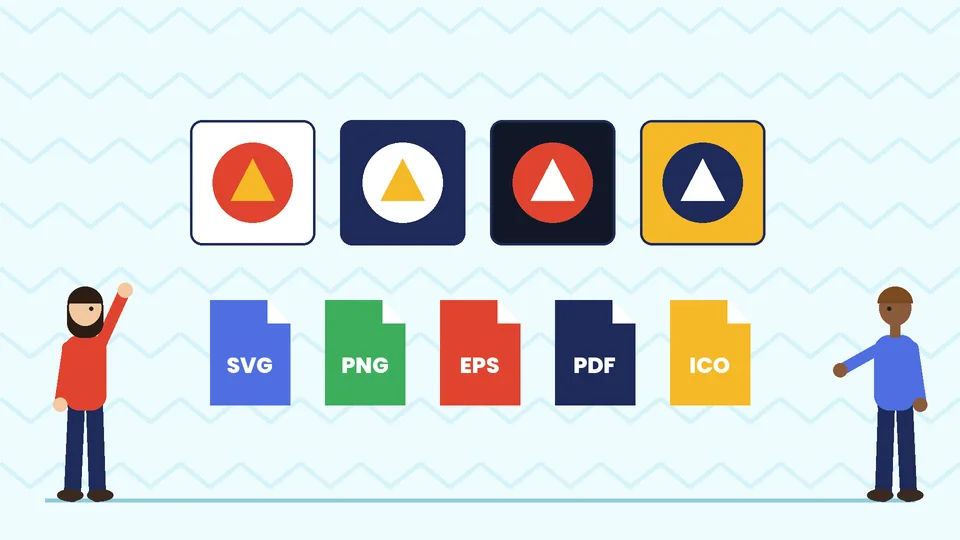
A single logo file is not enough. Ask your designer for each of these versions, in both vector and raster formats:
- Primary logo: the full logo in your main layout, usually horizontal
- Secondary or stacked layout: a vertical or compact version for square spaces
- Icon or mark: the symbol alone, for social profile images, favicons and small spaces
- Full color: for light backgrounds
- Reversed (white): for dark or photo backgrounds
- Black: for one-color printing, forms and stamps
- One spot color: for promotional items and embroidery, where full color is costly
Each version should have enough clear space around it, as defined in your brand guidelines. Our guide to building a brand style guide explains how to document logo rules, colors and typography so everyone uses the files the same way.
Color files for print and screen
Logos are reproduced in different color systems, so a complete kit separates the files by use:
- CMYK: for most printed materials made with process inks, such as brochures and business cards
- Spot color: for printing with a specific premixed ink, often used for logos to keep color consistent
- RGB and HEX: for screens, including websites, social media, presentations and email
Label each file clearly so nobody sends an RGB web file to a printer or puts a CMYK file on a website, where colors can look dull. Record the exact color values in your style guide.
Logo files for your website and Google
Your website usually needs three logo files:
- Header logo: SVG where your site supports it, otherwise a PNG exported at about twice the display size so it stays sharp on high-resolution screens
- Favicon: a square icon made from your mark
- Logo for structured data: a version Google can show for your business
Google’s favicon guidelines say the favicon must be square, at least 8×8 pixels, and recommend using one larger than 48×48 pixels so it looks good on different surfaces. Supported formats listed by Google include ICO and PNG, and the favicon URL should stay stable.
If you add organization logo markup to your site, Google’s logo structured data guidelines say the image must be at least 112×112 pixels, crawlable and indexable, in a format supported by Google Images, and should look the way you intend on a purely white background. A square icon version usually works best for both.
Write useful alt text for logo images on your site, such as your business name, so screen reader users know whose site they are on.
How to organize a logo file kit
A tidy folder saves time every time someone asks for “the logo.” A simple structure works well:
- 01 Master (vector): AI, EPS, PDF and SVG files of every version
- 02 Print: CMYK and spot-color PDFs or EPS files
- 03 Digital: RGB PNG files in several widths, plus SVG
- 04 Social and icons: square icon PNGs and the favicon
- 05 Guidelines: the brand style guide PDF
Name files so they describe themselves, for example “acme-logo-horizontal-fullcolor-rgb.png” or “acme-icon-white.svg.” Avoid names like “final-final-2.” Keep one master copy in shared storage and send links rather than attachments that end up scattered across inboxes.
Common logo file mistakes
- Using a screenshot or a logo copied from the website for printing
- Stretching a logo to fit a space instead of using the right layout
- Placing a full-color logo on a busy photo instead of the reversed version
- Sending only a JPG with a white box around the logo
- Not having the editable vector files at all, which makes every future change harder
If you only have a low-resolution file and the original designer is no longer available, a designer can redraw the logo as a vector file. Before that, make sure your business name and logo are worth protecting long term; our page on naming and trademarks explains why that matters. For a wider view of how the logo fits your whole identity, see corporate identity and branding.
Frequently asked questions
What file format should a logo be?
What is the difference between a vector and a raster logo?
Is SVG or PNG better for a website logo?
Why does my printer ask for an EPS or PDF logo?
What size should my logo be for Google?
What logo files should a designer give me?
Get a complete logo file kit
The right logo files make every printed piece, sign and web page look consistent and save you from last-minute scrambles. If you need a new logo, a redraw of an old one or a complete file kit and style guide, contact Pros Inc at 715 J St #200, San Diego, CA 92101, or call (858) 652-8920.