
404 Page Design: What to Include and How to Avoid Soft 404s
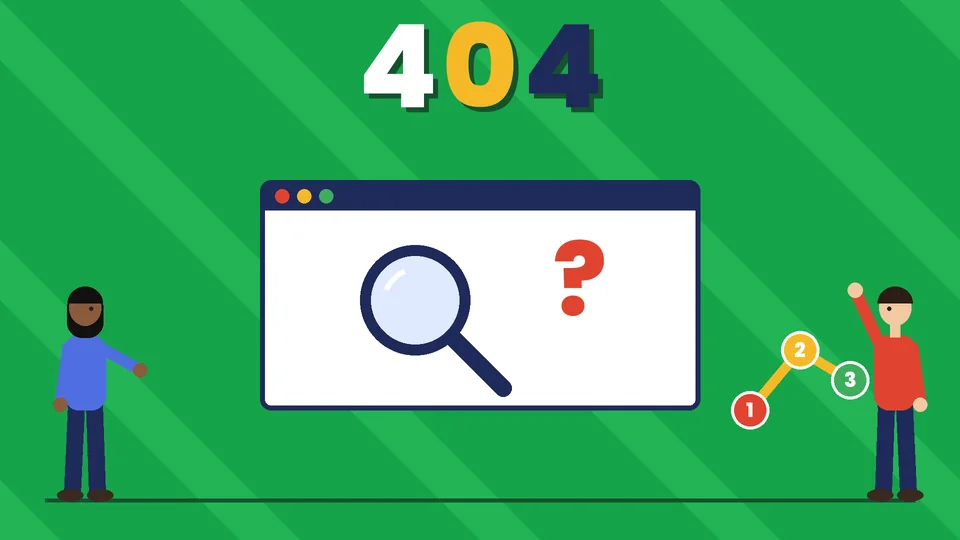
What makes a good 404 page?
A good 404 page tells visitors clearly that the page they wanted is not there, matches the rest of your site’s design and gives them an easy way forward, such as a search box, links to your main pages and a way to contact you. Behind the scenes, it must return a real 404 (or 410) status code so search engines know the page does not exist. A friendly design keeps people on your site instead of sending them back to search results.
This guide covers what a 404 error is, what to put on the page, design and accessibility tips, how 404 pages affect search and how to set one up in WordPress or Shopify. Pros Inc designs and redesigns websites for small businesses from our office in San Diego, and a custom 404 page is part of every site we launch. Technical details come from Google Search Central, MDN and WordPress documentation, read as of October 2026.
What is a 404 page?
When someone visits a URL that does not exist on your site, the server responds with the HTTP status code 404 Not Found. MDN’s reference for 404 describes it as the server not being able to find the requested resource. The page people see at that moment is your 404 page.
Visitors land on 404 pages for many reasons:
- a mistyped URL;
- an old link from another website, an email or a printed piece;
- a page or product you removed or renamed;
- a broken link inside your own site.
Without a custom design, visitors see a plain error message from your server or theme, which looks broken and gives them nowhere to go.
What to include on your 404 page
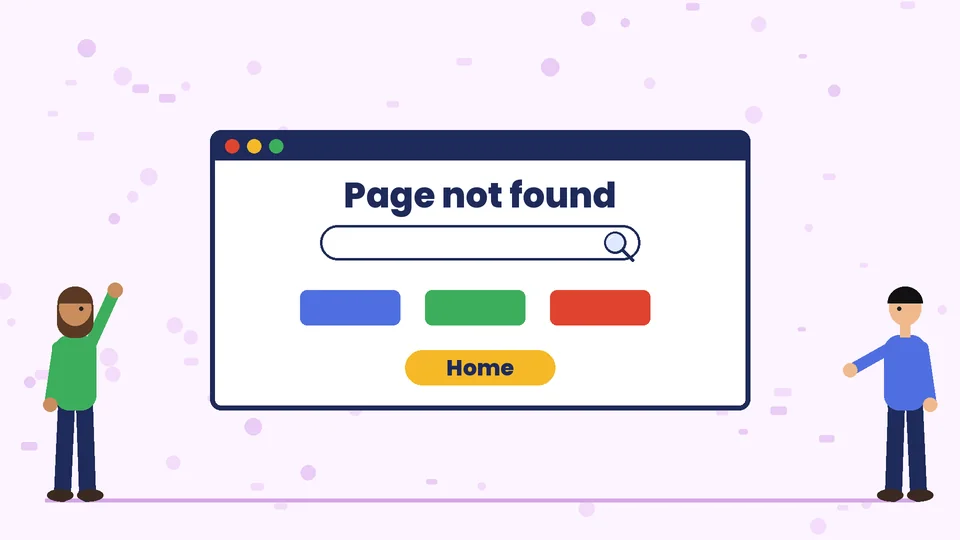
Keep the page simple. Most good 404 pages include:
- A clear headline, such as “Page not found” or “Sorry, we can’t find that page.”
- A short explanation in plain language, without blaming the visitor.
- A search box, so people can look for what they wanted.
- Links to key pages, such as your homepage, main services or product categories, and your blog.
- A way to contact you, such as a phone number, email link or contact page.
- Your normal header and footer, so the visitor knows they are still on your site and can use the main menu.
Optional extras include popular products, recent posts or a short message in your brand’s tone of voice. Keep extras short, because the main job of the page is to help people continue.
Design tips for 404 pages
Match your brand
Use the same fonts, colors and layout as the rest of your site. A 404 page that looks different can make visitors think they have left your site. Our guide to brand fonts covers keeping type consistent across your materials.
Add personality, carefully
A simple illustration or a light line of copy can make an error feel less frustrating. Keep it short, and make sure the jokes or images do not push the search box and links below the fold on a phone.
Make the next step obvious
Put the most useful action, usually search or a link to your main pages, near the top. Use clear button labels, such as “Go to the homepage” or “Browse services,” instead of “Click here.” The same principles apply to any page with one main goal, as our post on landing page design explains.
Design for mobile
Many visitors arrive from phones. Check that the headline, search box and links fit on a small screen and are easy to tap.
Accessibility on 404 pages
Your 404 page should follow the same accessibility rules as the rest of your site:
- Use a real heading for the “Page not found” message, so screen reader users hear it first.
- Make sure text has enough contrast. Under WCAG 2.2, normal text needs a contrast ratio of at least 4.5:1, and large text at least 3:1.
- Give any illustration alt text, or mark it as decorative if it adds no information.
- Make the search box and links usable with a keyboard.
Our guide to website accessibility covers these checks in more detail.
How 404 pages affect SEO
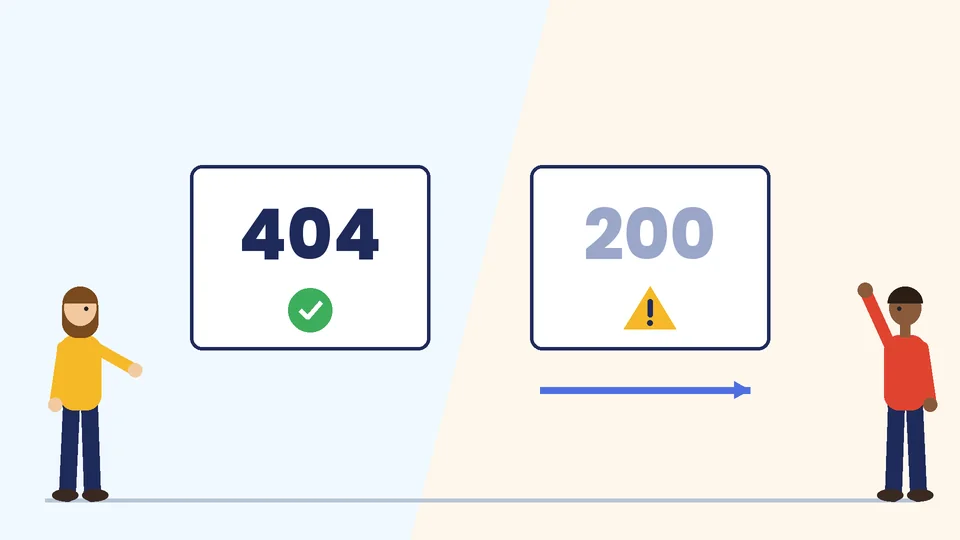
The design is for people, but the status code is for search engines. According to Google’s guide to HTTP status codes, Google does not index URLs that return a 4xx status code, and URLs already in the index that start returning 4xx are removed over time.
Two common mistakes cause problems:
- Soft 404s: a “not found” page that returns a 200 (success) status code. Google can report these as soft 404 errors in Search Console, because the page says it does not exist while the server says it does.
- Redirecting every missing page to the homepage: Google’s help page on 404 errors recommends returning a 404 or 410 for pages that no longer exist, rather than sending visitors to an unrelated page such as the homepage, which can also be treated as a soft 404.
If a page has moved, use a 301 redirect to its new address. If it is gone with no replacement, let it return a 404 or 410 and use your custom 404 page to help visitors. When you change URLs during a redesign, plan your redirects in advance; our website redesign checklist covers this step.
How to set up a custom 404 page
WordPress
In WordPress, the theme controls the 404 page. Classic themes use a template file named 404.php, as the WordPress theme handbook explains, and block themes include a 404 template you can edit in the Site Editor. Many page builders and SEO plugins also let you design the 404 page. Whatever tool you use, confirm the page still returns a 404 status code.
Shopify
Shopify themes include a 404 template that you can style in the theme editor. Keep your header, search and links to collections visible. Our post on Shopify homepage design covers the navigation elements worth repeating.
Check the status code
After you publish, open a made-up URL on your site, such as yoursite.com/test-404, and check the status code in your browser’s developer tools or with an online header checker. It should say 404, not 200.
Monitor and fix broken links
A good 404 page helps visitors, but fewer 404s is better. Check the pages Search Console reports as not found, fix broken links inside your own site and add 301 redirects for important old URLs that have a clear new home.
Frequently asked questions
What should a 404 page say?
Do 404 errors hurt SEO?
Should I redirect my 404 page to the homepage?
What is a soft 404?
How do I create a custom 404 page in WordPress?
Should a 404 page be funny?
Get help with your 404 page
A well-designed 404 page turns a dead end into a next step. If you need a custom 404 page, help fixing broken links or a full website redesign, contact Pros Inc at 715 J St #200, San Diego, CA 92101, or call (858) 652-8920.