
Shopify Product Page Design: What to Include in 2026
What good Shopify product page design does
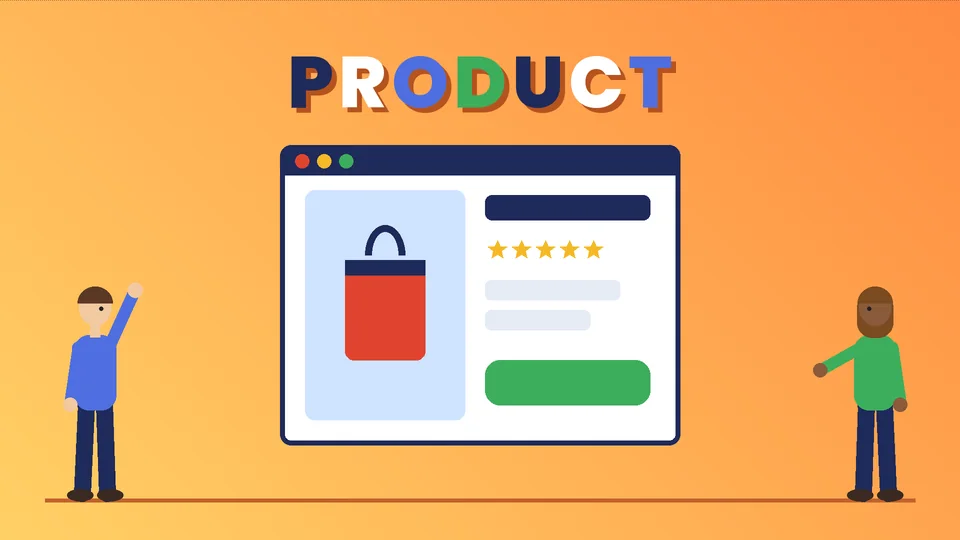
Good Shopify product page design answers a shopper’s buying questions in the order they ask them: what is it, does it fit my needs, what does it cost, when will it arrive, and what if it does not work out. The layout, images, copy and buttons all serve that sequence. When a page answers those questions clearly and loads quickly, people are more likely to add to cart; when it hides them, they leave or open a support chat.
This guide covers the parts of a product page that matter most, how to set them up in Shopify, and the accessibility and search details that are easy to miss. Platform details come from the Shopify Help Center and Shopify’s developer documentation, accessibility thresholds from the W3C, and structured data guidance from Google Search Central, all checked as of October 2026. Pros Inc designs and builds Shopify stores for US businesses from our San Diego office, and this is the checklist we use when we review a product template.
The anatomy of a Shopify product page
Most Shopify themes use a product template made of sections and blocks that you can rearrange in the theme editor. Whatever theme you use, a strong page usually includes these elements, roughly in this order on mobile:
- Product images or video
- Product title and a short benefit line
- Price, including any sale price and unit price where relevant
- Variant pickers for size, color or material
- Quantity and the Add to cart button
- Delivery, returns and stock information
- Description and key details
- Specifications, care and sizing
- Reviews and questions
- Related or complementary products
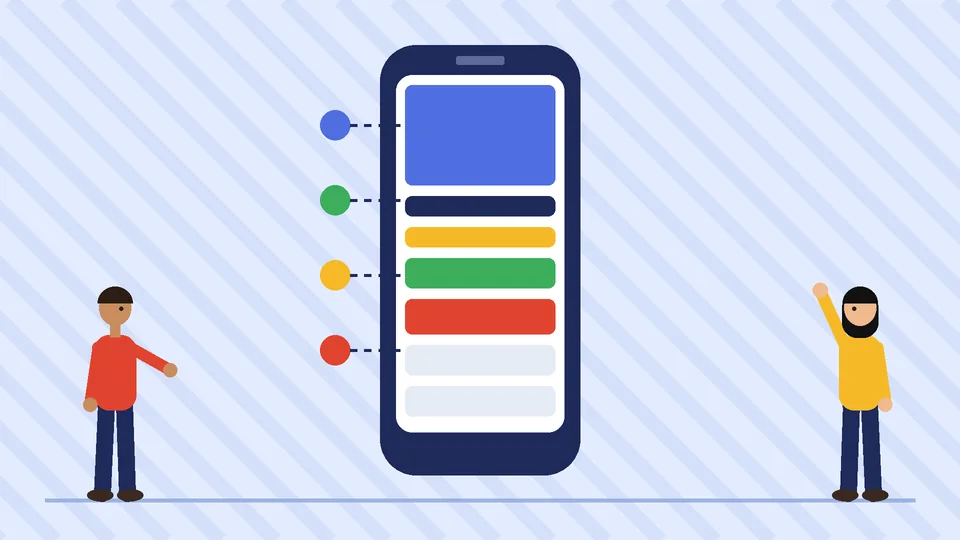
The first five should be visible or one short scroll away on a phone. Shoppers should never have to hunt for the price or the button.
Product images and video
Images do most of the selling on a product page, so treat them as a set rather than one hero shot. A practical set includes a clean front view, other angles, a close-up of texture or detail, the product in use, a scale reference, and what comes in the box.
As of October 2026, Shopify’s product media documentation says product images can be up to 4472 x 4472 pixels and no more than 20 MB, and it recommends 2048 x 2048 pixels for square product images. Shopify then generates smaller responsive sizes automatically. Keep every image in a set the same aspect ratio so the gallery does not jump as shoppers swipe.
Write alt text for each image that describes what it shows, such as “navy canvas tote bag with leather handles, side view.” Alt text helps people who use screen readers, and it helps search engines understand the image. If an image only decorates the page, it does not need a long description.
Short videos are useful for products that move, fold, assemble or need to be seen at scale. Keep them short, add captions, and make sure they do not autoplay with sound.
Titles, price and variants
Use a product title that a shopper would recognize and search for: brand or product name, the type of product, and one key attribute. Save marketing language for the line below the title.
Show price clearly near the title. If the product is on sale, show both prices and make the saving obvious. If you sell by weight or volume, check whether your theme and store settings can show a unit price, since shoppers comparing sizes look for it.
Variants deserve careful design. As of October 2026, Shopify’s guide to adding variants says each product can have up to three options, such as size, color and material, and Shopify raised the limit to 2,048 variants per product in 2025. More variants are now possible, but more choices are not always better. Use clear option names, show color swatches instead of text where the theme allows, and make sold-out combinations obvious before the shopper taps Add to cart.
Descriptions that answer real questions
A product description should do two jobs: explain the benefit quickly and give the detail a careful buyer needs. A simple structure works well:
- One or two sentences on what the product is and who it is for.
- Three to five bullet points with the most important benefits or features.
- Details and specifications such as dimensions, materials, ingredients, compatibility and what is included.
- Care, sizing or setup information, ideally in a collapsible tab so it does not push reviews off the page.
Write for the customer’s questions, not your internal catalog. If customers often ask “will this fit a 15-inch laptop?” or “is it dishwasher safe?”, answer it on the page. Shopify metafields let you store structured details like dimensions or materials and show them in theme blocks, which keeps formatting consistent across a large catalog.
Trust details near the button
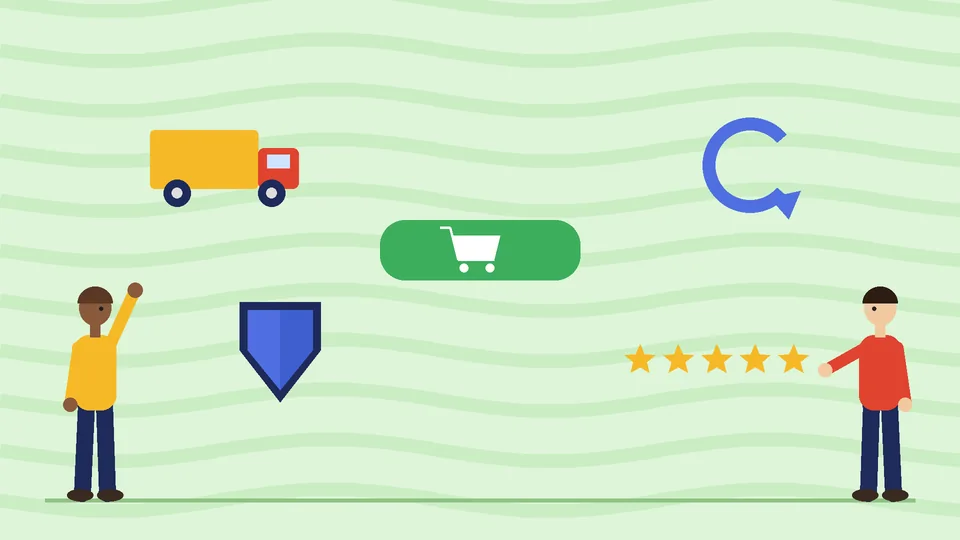
Hesitation usually peaks just before the Add to cart button. Place these details within easy reach of it:
- Shipping and delivery: expected delivery time or cost, or a link to the shipping policy.
- Returns: the return window in plain words, with a link to the full policy.
- Stock status: in stock, low stock or available to pre-order, only if it is accurate.
- Payment options: accelerated checkout buttons where your theme supports them.
- Reviews summary: the average rating and number of reviews, linking to the full review section.
Keep these claims honest and current. A delivery promise you cannot keep turns a sale into a complaint. If you show reviews, they need to be genuine; our guide to sales funnel stages explains how product pages fit into the wider path from first visit to repeat purchase.
Accessibility basics
An accessible product page is easier for everyone to use, not only people with disabilities. The W3C’s Web Content Accessibility Guidelines (WCAG) 2.2 set clear targets. As of October 2026, the Level AA contrast requirement is at least 4.5:1 for normal text and 3:1 for large text, and touch or click targets should be at least 24 by 24 CSS pixels unless they have enough spacing or another exception applies.
On a product page, that means:
- Price, buttons and sale labels with enough color contrast.
- Variant swatches that also show the option name, so color is not the only cue.
- Buttons and swatches large enough to tap on a phone.
- Alt text on product images and captions on videos.
- Pickers and tabs that work with a keyboard.
Test with your theme’s preview on a real phone, and try completing a purchase without a mouse.
Speed and search details
A product page that looks good but loads slowly loses shoppers before they see it. Keep image file sizes down, limit apps that inject scripts into the product template, and check the page on a mid-range phone. Our guide to Shopify speed optimization covers the fixes that matter most.
For search, give each product a unique title tag and meta description, a clean URL, and a description that is not copied from the manufacturer. Google Search Central documents product structured data, which can make products eligible for richer results in Search; most Shopify themes output basic product markup, and you can check it with Google’s Rich Results Test. Eligibility does not guarantee a rich result. For broader search work, see our search engine optimization services.
Testing and improving the page
Once the template is in good shape, improve it with evidence rather than opinion:
- Watch where shoppers drop off between product views, add to cart and checkout in Shopify’s reports.
- Read support emails and chat logs for questions the page should answer.
- Change one element at a time, such as image order or the position of shipping details, and compare results over a full sales cycle.
- Review the page on mobile first, since that is where many shoppers browse.
If your store is outgrowing its theme or you need custom sections, it may be time for development help; our guide to choosing a Shopify Plus development company explains what to look for.
Frequently asked questions
What should a Shopify product page include?
What size should Shopify product images be?
How many variants can a Shopify product have?
Do product pages need alt text?
How can I make a product page load faster?
Work with Pros Inc
Pros Inc reviews and redesigns Shopify product templates for US businesses, from image sets and copy to custom sections and speed fixes. If you want a second opinion on your product pages, contact us at 715 J St #200, San Diego, CA 92101, or call +1-858-652-8920. For a wider look at growth beyond the store, see our overview of online marketing services for small businesses.