
Brand Fonts: How to Choose, Pair and License Them
How do you choose brand fonts
Choose brand fonts by matching them to your brand’s personality, then testing them for readability in every place you will use them, from your logo and website to signs and business cards. Most brands need only two fonts: one for headlines and one for body text, with a few set weights and sizes. Before you commit, check the font license so you can use it for print, your website, apps and your logo.
This guide covers what brand fonts are, how to pick and pair them, how to set a simple type system, how font licensing works and how to document your choices. Pros Inc designs brand identities and style guides for small businesses from our office in San Diego, and these are the checks we run on every font choice. Licensing details come from Google Fonts and the SIL Open Font License site, read as of October 2026.
What are brand fonts?
Brand fonts are the typefaces your business uses consistently across its materials. They are part of your visual identity along with your logo, colors and images. Using the same fonts every time helps people recognize your brand and makes everything you publish look like it came from the same company.
A typical brand type system includes:
- A primary font for headlines and key messages
- A secondary font for body text, menus, forms and long reading
- A fallback or system font for places where your brand fonts cannot load, such as some email apps
Your logo may use a custom lettering or a font that you do not use anywhere else. That is fine, as long as the rest of your materials use the agreed brand fonts.
How to choose brand fonts
Start with your brand personality
Write down three to five words that describe your brand, such as friendly, precise, traditional or bold. Then look at type styles that fit:
| Type style | Common associations | Good for |
|---|---|---|
| Serif | Traditional, established, editorial | Headlines and long print reading |
| Sans serif | Clean, modern, straightforward | Websites, apps, signs and body text |
| Slab serif | Sturdy, confident, approachable | Headlines and short display text |
| Script | Personal, elegant, handmade | Short accents only, never body text |
| Display | Distinctive, expressive | Logos and large headlines only |
These associations are general design conventions, not rules. Test fonts with your real headlines and copy, not sample text.
Test readability
A font that looks good in a logo may be hard to read in a paragraph. Check each candidate:
- at small sizes on a phone screen;
- in long paragraphs of body text;
- in all the weights you will need, such as regular, bold and italic;
- with numbers, prices and punctuation;
- on signs or print pieces viewed from a distance.
Fonts with clear letter shapes, open spacing and distinct characters, such as a capital I, lowercase l and number 1, are easier to read.
Check language and character support
If you serve customers in more than one language, make sure your fonts include the characters you need, such as accented letters. Missing characters fall back to a different font and look inconsistent.
How to pair fonts
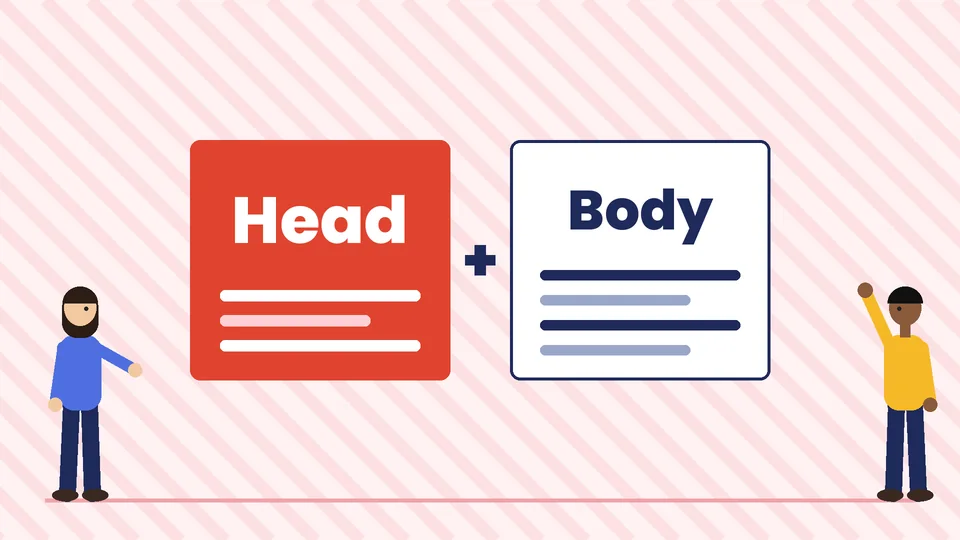
Most brands use two fonts. A few simple approaches work well:
- Contrast: pair a serif headline font with a sans serif body font, or the reverse.
- One family: use a single font family with several weights, for example bold for headlines and regular for body text. This is the simplest and most consistent option.
- Similar proportions: choose fonts with similar letter widths and x-heights, so they look balanced side by side.
Avoid pairing two fonts that are similar but not the same, such as two different geometric sans serifs, because the difference looks like a mistake. Limit decorative or script fonts to short accents.
Set a simple type system
Once you have your fonts, define how to use them:
- Headline sizes for main headings, subheadings and small headings
- Body text size and line spacing for web and print
- Weights for each use, such as bold headlines and regular body
- Letter case rules, such as sentence case for headlines
- Colors for text, using your brand palette with strong contrast
For websites, body text needs to be comfortable to read on small screens, and text must contrast with its background. Our guide to website accessibility explains the contrast basics. Pick text colors from your brand palette that pass those contrast checks.
Font licensing basics
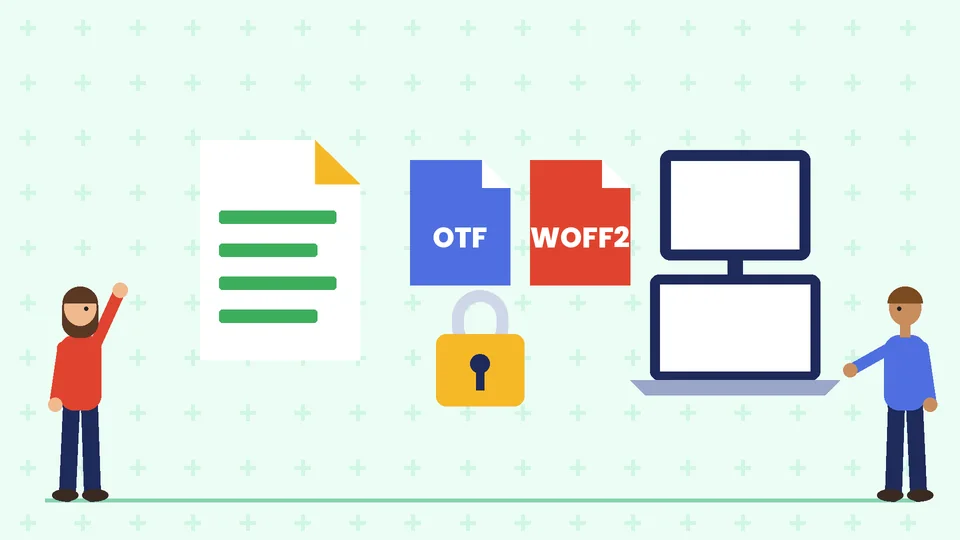
Fonts are software, and each one comes with a license that sets how you can use it. Check the license before you use a font in a logo, on your website, in an app or in products you sell.
Open source fonts
According to the Google Fonts FAQ, all fonts in the Google Fonts library are free and open source, and you can use them in any non-commercial or commercial project, including products you sell. Most are licensed under the SIL Open Font License, and some use the Apache License or the Ubuntu Font License.
The SIL Open Font License site explains that fonts under the OFL can be used in logos, print documents and websites, including by embedding them with @font-face. The main restrictions are that the fonts cannot be sold on their own, the copyright notice and license must stay with the fonts if you share the font files, and modified versions cannot use the original Reserved Font Names. No credit is required in artwork that uses the font.
Commercial fonts
Commercial fonts from type foundries or subscription services have their own license terms. Licenses are often split by use, such as desktop (for making print and image files), web (for websites), app (for embedding in software) and digital ads or ebooks. Some licenses limit the number of users, page views or installs. Read the terms for every use you need, and keep a copy of the license with your brand files.
Logos and trademarks
Most font licenses allow you to use a font in a logo, but check the license, and remember that using a common font in your logo can make it look less distinctive. If you plan to register your logo as a trademark, talk to a trademark attorney about your design. Our page on corporate identity and branding covers logo and naming basics.
Document your brand fonts
Record your fonts in your brand style guide so everyone uses them the same way. Include:
- font names, weights and where to download or license them;
- the type sizes and spacing for headlines and body text;
- fallback fonts for email and other systems;
- examples of correct and incorrect use;
- the license type and who holds it.
Our guide on how to create a brand style guide shows what else to include, and our post on logo file formats explains which logo files to keep with your fonts.
Frequently asked questions
How many fonts should a brand use?
Can I use Google Fonts for my brand?
Can I use any font in my logo?
What is the difference between a typeface and a font?
Should my website use the same fonts as my print materials?
Where should I record my brand fonts?
Get help choosing your brand fonts
The right fonts make your brand easier to recognize and easier to read. If you need help choosing fonts, building a type system or creating a brand style guide, contact Pros Inc at 715 J St #200, San Diego, CA 92101, or call (858) 652-8920.