
Trade Show Booth Design: Layout, Graphics and Booth Rules
What good trade show booth design does
Good trade show booth design makes people stop and helps them understand what you do within a few seconds. Then it gives your team a comfortable place to talk with them. In practice, that means one short message placed high enough to read over the crowd, graphics that match your brand, a layout that pulls people in from the aisle, and a structure that follows the show’s height, safety and accessibility rules.
This guide covers the common booth types and their usual size limits, how to plan the layout and graphics, what accessibility and safety rules to design for, and a step-by-step timeline from booking to teardown. Pros Inc designs exhibit graphics and printed materials for small businesses from our office in San Diego, and we use this checklist on booth projects. The booth dimensions come from the IAEE Guidelines for Display Rules and Regulations (2019 North American update), checked as of October 2026. Those are recommendations: every show sets its own rules, so always read your exhibitor manual first. This is general information, not legal advice.
Common trade show booth types
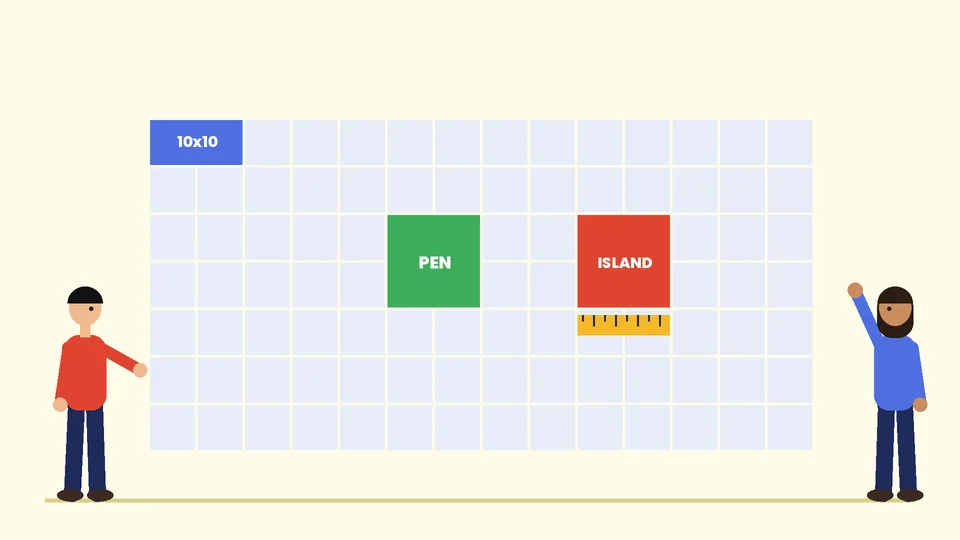
The IAEE Guidelines for Display Rules and Regulations describe the standard booth types that most North American shows use. The booth type you book decides how tall you can build and where you can place graphics.
Linear (in-line) booths
A linear booth sits in a row with neighbors on one or both sides. These booths are most commonly 10 by 10 feet. The guidelines suggest a back wall no taller than 8 feet. That full height is allowed only in the rear half of the booth, and anything in the front half toward the aisle is limited to 4 feet so neighbors keep their line of sight. Most small businesses start with a linear booth.
Perimeter booths
A perimeter booth is a linear booth along the outside wall of the hall. The same rules apply, except the typical back wall can reach 12 feet. That extra height is useful for a large logo or headline that people can see from across the floor.
Peninsula and split island booths
A peninsula booth has aisles on three sides. The guidelines suggest a typical height range of 16 to 20 feet in the center, with the back wall kept to 4 feet within 5 feet of each side aisle when it backs onto linear booths. A split island is two peninsulas sharing a back wall.
Island booths
An island booth is open to aisles on all four sides and is typically 20 by 20 feet or larger. You can usually use the whole space up to the show’s height limit, which is often 16 to 20 feet. Islands give you the most freedom, and they also need the most planning.
Hanging signs
Hanging signs are usually allowed over peninsula and island booths, not linear booths. The IAEE recommends getting the organizer’s approval at least 60 days before the show, keeping signs over your own space only and setting them back 10 feet from adjacent booths.
Plan your booth layout
A booth is a small room where people decide in seconds whether to step in. Plan the layout around how visitors move rather than around how much you can fit.
Start with one goal
Decide what a good result looks like before you design anything: qualified leads, product demos, meetings with existing customers or launching something new. The goal decides how much open floor space you need, whether you need a counter or a private corner, and what your graphics should say.
Keep the front open
An open front with nothing blocking the aisle edge invites people in. Put a table across the front and you have built a wall. If you need a counter, set it to one side or angle it so visitors can walk past it.
Create zones
Even a 10 by 10 booth can have zones: a spot at the aisle where someone can glance at a product, a demo area where your team can stand beside a visitor, and a small space for storage, bags and a charging cable. In larger booths, add a meeting area set back from the aisle.
Plan for screens and lighting
Exhibit halls are bright and uneven, so screens can wash out. The guidelines note that canopies are sometimes used to shade monitors. If you use one, keep its lowest edge at least 7 feet above the floor within 5 feet of any aisle. Add your own lights above the main graphic so it does not depend on the hall lighting.
Design graphics people can read from the aisle
Booth graphics have the same job as a billboard: they have a few seconds and a moving audience. Follow these rules.
- Put the main message high. Visitors’ heads and bodies block the lower half of your back wall, so the logo and headline belong in the top third.
- Say what you do in a few words. “Custom packaging for food brands” works better than a slogan nobody can decode while walking past.
- Use strong contrast. Dark text on a light background, or the reverse, with no busy photo behind the words.
- Keep the lower graphics for detail. Product photos, short benefit points and a QR code work at eye level for someone who has already stopped.
- Match your brand. Use the same logo files, colors and typefaces as your website and printed materials. A brand style guide keeps every piece consistent, and our guide to logo file formats explains which files your printer will ask for.
Prepare print-ready files
Large-format printers usually ask for vector logos, images at the resolution they specify for the final size, the correct color mode and bleed on every panel. Ask for the printer’s templates before you design, because fabric frames, pop-up walls and banner stands all have different sizes and bleed. Our commercial printing guidelines explain how to prepare files so they print without delays.
Plan the giveaways and handouts
Keep handouts short and give them to people after a conversation, not to everyone walking past. A simple card or one-page sheet with a QR code to a landing page is easy to carry and easy to track. Whatever you hand out should use the same branding as the booth so people connect the two later.
Accessibility and safety rules to design for
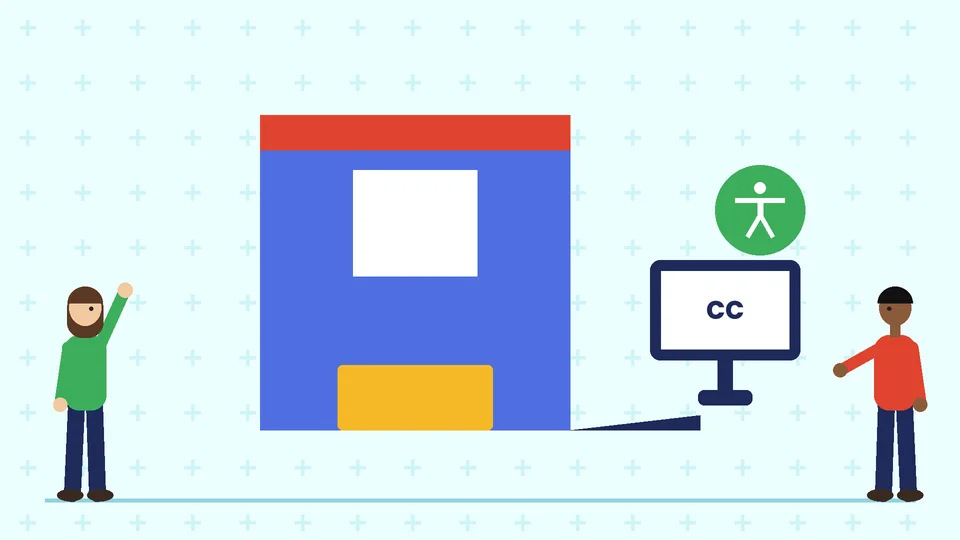
The IAEE guidelines say exhibits in the US are not exempt from the Americans with Disabilities Act. The ADA Standards for Accessible Design set the technical requirements. The IAEE gives these examples for exhibits.
- Ramps: if you raise the booth floor, ramp it without extending into the aisle. A standard ramp should be no steeper than 1:12, meaning 12 inches of length for every inch of rise, and at least 36 inches wide.
- Flooring: avoid double-padded plush carpet, which makes wheelchairs and mobility devices harder to move.
- Screens: place touch screens at a height a seated person can reach.
- Audio and video: offer captions, a signer or a printed copy of any presentation, and an audio option for visitors with low vision.
Safety rules matter just as much because the fire marshal and the show’s service contractor can stop a booth from opening.
- Fire-retardant materials: the guidelines say all materials used in display construction or decoration should be flame retardant, with a certificate available for inspection.
- Storage: most shows do not allow storage behind back drapes or under draped tables, apart from a limited supply of literature or product.
- Electrical: the IAEE recommends grounded three-wire wiring for 110-volt equipment.
- Structure: displays should withstand normal bumps and moderate air movement. The guidelines recommend drawings for exhibits of 20 by 20 feet and larger, and engineering-stamped documents for multi-story exhibits and towers over 8 feet.
Your exhibitor manual and the venue’s fire and building rules take priority over these general guidelines.
How to plan a trade show booth, step by step
- Read the exhibitor manual. Note your booth type, height limits, hanging sign rules, deadlines, union labor rules and what the booth package includes.
- Set the goal and budget. Include space rental, booth structure, graphics, shipping, drayage (moving freight from the dock to your booth), labor, electrical, internet, lead capture and travel.
- Choose the structure. Pop-up frames and fabric walls are light and reusable. Modular and custom builds give you more options at a higher cost. Rentals let you try a larger booth before you buy.
- Sketch the layout. Mark the aisles, the open front, demo spots, storage and power drops on a plan of your exact space.
- Write the messages. Decide on one headline, three short supporting points and a call to action before anyone opens a design file.
- Design and proof the graphics. Design at full size using the printer’s templates, print a small proof and check color, spelling and the contact details.
- Submit the forms. Send hanging sign approvals, structural drawings, electrical orders and the booth layout by the show’s deadlines. The IAEE recommends at least 60 days for hanging sign approval.
- Ship and set up. Label every case, pack a tool kit and spare hardware, and give yourself time for setup before the show opens.
- Follow up fast. Sort leads within days and send each person what you promised at the booth.
Use the show to strengthen your brand
A booth is one of the few places where people see your brand at full size. Use it to test messages, collect real questions from buyers and photograph the booth for your website and social media. Afterward, review which headline and offer got people to stop, and use that in your next brochure, ad or landing page. If your trade show presence is part of a larger update, start with your corporate identity and branding so the booth, signs and printed pieces all look like one company. For signs you can use in your office or storefront after the show, see our guide to business signage design. You can also see the trade show exhibit services we offer.
Frequently asked questions
What is the standard trade show booth size?
How tall can a trade show booth be?
What should a trade show booth graphic say?
Do trade show booths have to be accessible?
How far ahead should I plan a trade show booth?
Can I use the same booth graphics at every show?
Get help with your trade show booth
A clear, well-planned booth helps visitors understand your business quickly and gives your team space to have good conversations. If you are planning booth graphics, banners or the printed materials that go with them, contact Pros Inc at 715 J St #200, San Diego, CA 92101, or call (858) 652-8920.